Bear is the best personal note taking application.
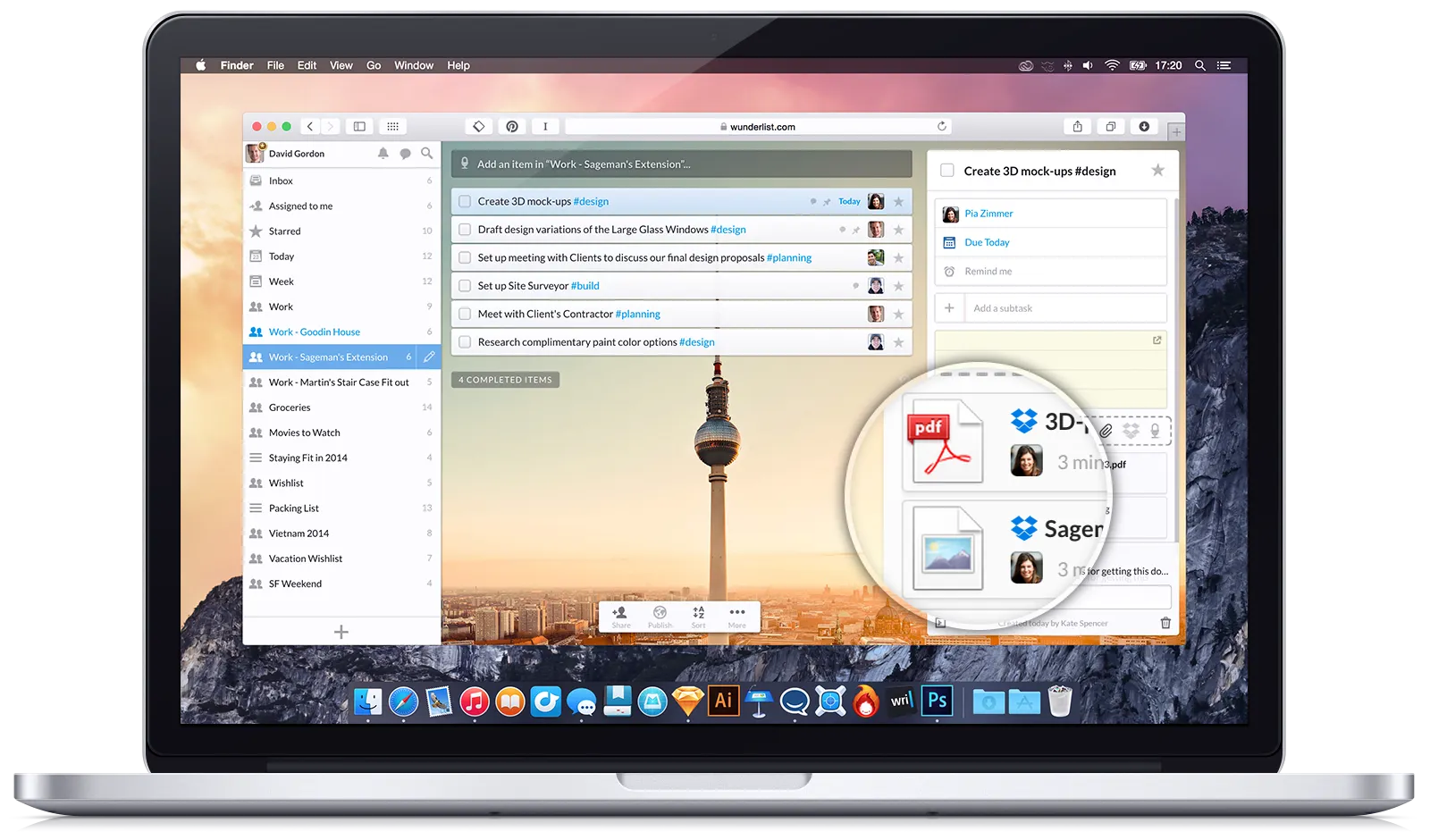
I remember the last time I fell in love with an app so much. It was called Wunderlist and it was magnificent. It was a to-do application created by a German dude and crafted with love and thought-through design.
Unfortunately Microsoft swung in, bought it, and merged it into its enterprise suite of apps, taking the sexiness totally out of it.
(Fun fact: the German dude wanted to buy Wunderlist back from Microsoft, but they refused. Then, the guy disappeared for some time, then he returned with his new popular todo app called Superlist, showing Microsoft a big middle finger).
After many-many long years of apathy, love eventually found me again. This time, I was sceptical and careful, because I have been hurt before.
However, after playing some hard-to-get, eventually I gave in. Today, I can proudly say, that I am a happy Bear subscriber and fanboy.
Consider this article my love letter to the app. I would like to encourage the developers to keep up with the great work, and encourage YOU to give the app a try. You won’t regret it, I promise.
Why? Because Bear is how professionally and purposefully designed and built software should look and feel like in 2024.
(By the way, I was not paid to write this article. Unfortunately.)
Why Bear is so great
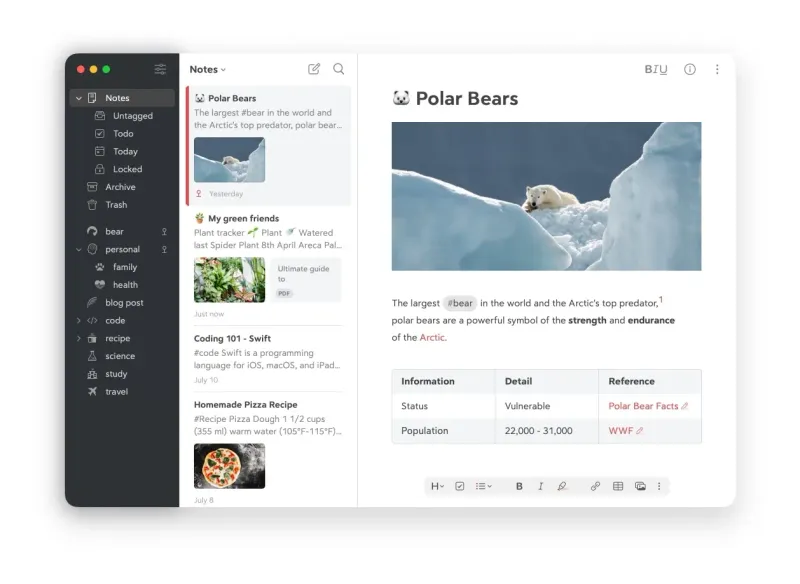
Bear is a note taking application designed for the Apple ecosystem. You see my Micro-relief here? It lets you write and organise Markdown documents in an intuitive and elegant way.
Let’s see why I love it and why you’ll love it too.
Bear is fast
Contrary to web and collaboration based apps (for example, like, I don’t know, NOTION?!), with Bear you’ll feel like you are using an Apple computer again.
There are no spinners, no skeleton loading screens, no toast messages to force-update your app. Only smooth animations and always ready-for-action content.
Bear has award-winning design
I guess there are some advantages developing explicitly for Apple platforms. One being that Apple will praise you to drive your (coughs, their) sales… if it is worthy.
And Bear is worthy of praise, believe me. It provides a minimalistic, distraction free environment, carefully crafted typography settings, and a very minimalistic UI.
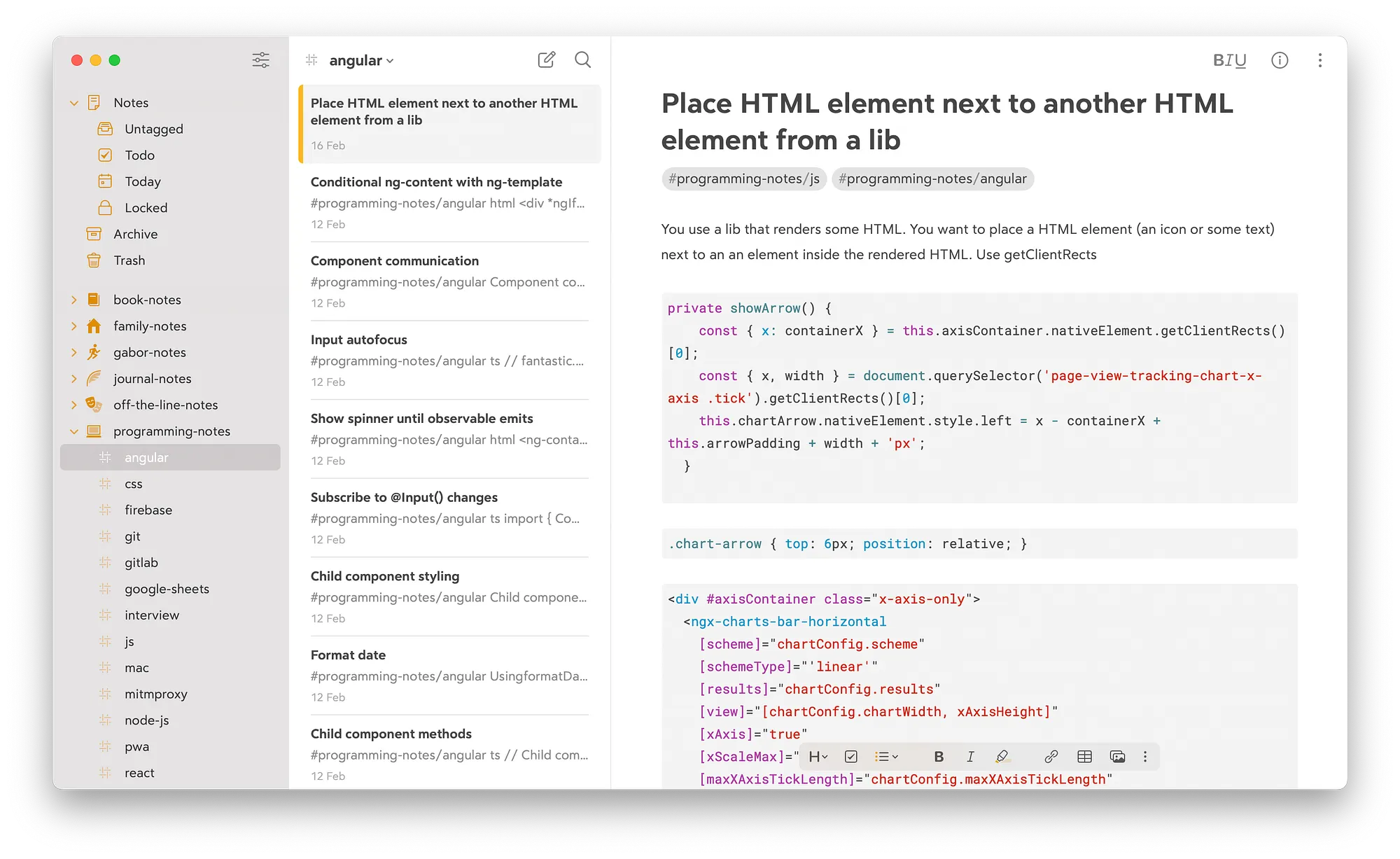
Bear uses Markdown syntax, which if you grasp, writing will feel like light speed. It also provides all the gestures and keyboard shortcuts that you expect from an Apple-exclusive macOS and iPhone app.
But wait, there’s more.
- It has tags and tags only. No folders, no collections, no workspaces. Just one, simple and sophisticated organisation tool. You can add tags as you type and you can also nest them into each other. That’s it. Nothing is forced. Use your creativity and organise as you will.
- It has document scan and OCR search too. You can attach photos and PDFs to your notes and the Bear universal search searches texts on those attachments too. It works on handwritten text too!
- It has a real native Mac app. Which means you can connect it to apps like Apple Shortcuts and Raycast. You thought Bear was fast on its own? Try automating note-taking by creating Bear specific Shortcuts.
- It has Special Search, which lets you search notes not only by text but by various note properties. For example the search
@images #journal babywould search for notes with images tagged with #journal containing the text “baby”. Isn’t that sweet? - It has amazing documentation. Don’t be fooled by the clean design. Bear is actually quite rich in features.
- It has perfect pricing. At the time, Bear costs $29.99 / year, which is very much ideal for a personal-purpose software. It’s not free, meaning no ads, pop-ups and other annoyances. It doesn’t cost a fortune either, so your wife won’t get mad when she “accidentally” looks at your emails or bills. Bear is not an oversell nor undersell. It’s just perfectly priced.
What you can use Bear for
Bear is a minimalistic note taking app without any forced organisational structure. Which means it’s completely up to you what you use it for. Here are some ideas:
- On-the-go note taking: making grocery lists, list of errands to run, taking notes during a phone call etc. Bear works offline too, both on Mac and iPhone, so you don’t need to worry about internet connection.
- Keeping a journal: you can use tags to sort by topics, sort by dates, or sort by journaling formats. You can add photos or attach files too.
- Developer knowledge base: Bear has code syntax highlighting, tag icons for programming languages, and you can copy snippets right from your macOS Spotlight searches.
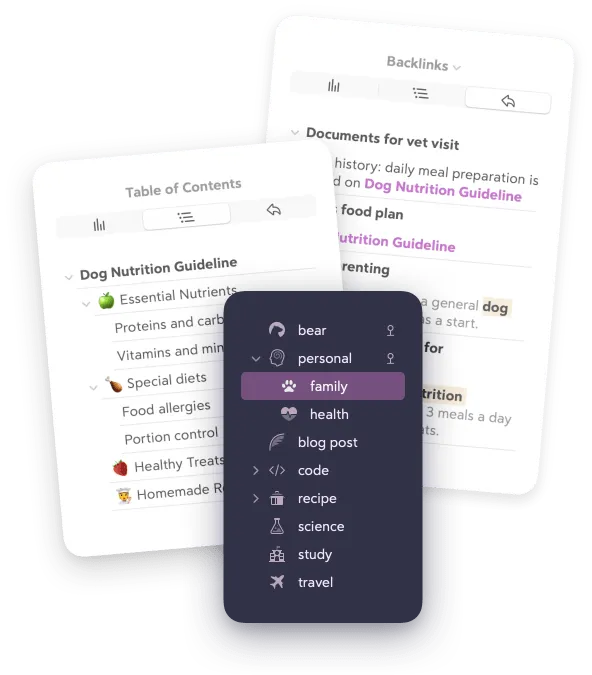
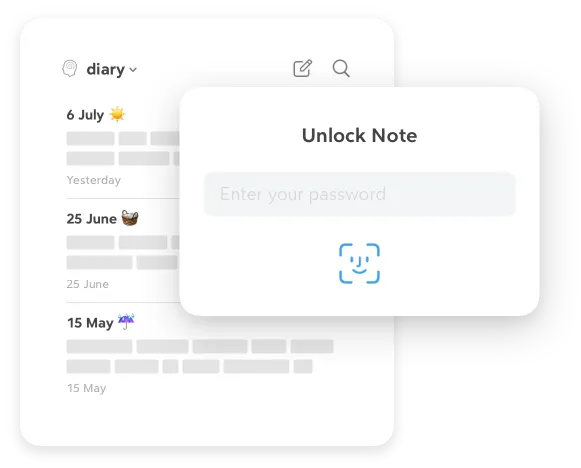
- Personal knowledge base: you can add tables containing important IDs, addresses, dates, you name it. You can connect notes using backlinks. Untagged notes go under “Untagged”, so always know which notes need further actions. You can encrypt and password-protect your notes too.
- Use it as a writing tool: if you are any kind of writer, you’ll love typing in Bear. It gives you word and character count and reading time off the bat. Writing in Markdown gives you the speed you need to actually keep up with your imagination. Those are just some ideas about what you can use Bear for. However, thanks to its minimalistic design and straightforward tagging system, it’s completely up to you what you use it for.
One more thing: community
Bear has a strong community of enthusiasts who are eager to share tips and tricks with each other, including tagging systems, Apple Shortcut integrations and more. Plus, the developers of the app are super responsive; so feel free to reach out to them too.
Check out the Bear Reddit page to learn more about how people use Bear.
To check out the app itself, you can go to Bear.app. I highly recommend to give it a try, as I am almost certain, that if you are into note taking even just a little bit, you’ll fall in love with Bear too.
Happy note taking!